Page Not Found Error
In limited instances, you may encounter a "Page Not Found" message, as illustrated below, when clicking on links within the GovernSpot header.
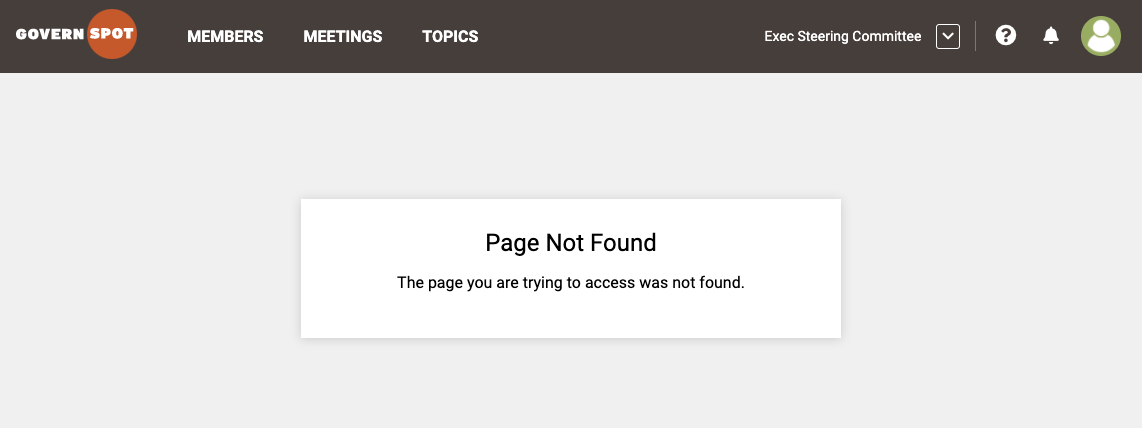
To solve this issue:
- Log out of the application if the option is available by clicking on the profile icon in the upper right corner of the screen and choosing 'Log Out'.
- Clear your browser's cache. Instructions on how to do this vary depending on your browser - please reference this page to get more information.
- Close and restart your browser and log back in.
If the problem persists, please submit a ticket here.
Comments
0 comments
Article is closed for comments.