Important Notes:
- GovernSpot is a modern 'single-page' web application. A thin orange loading bar across the top of the page indicates the page loading, rather than traditional page 'blanking and reloading' approach.
- Users are strongly encouraged to review the support articles related to GovernSpot's information model, which can be accessed here.
The Application Header:
The application header is comprised of three main functions. First, the three main links on the top of the header will open a list of group members, meetings, and topics associated with the currently active group (indicated on the right side of the header).

The active group name and drop down enables a user to quickly access the group(s) they posses access to.

The far right side of the header includes a help link which will open the GovernSpot support site, a notifications icon which will show any system notifications when clicked, and a user drop down for access to full group and user lists as well as administrative settings for certain users.

The Page Header:
The page header is comprised of three main components. First, on the left side of the top of the page is a breadcrumb trail indicating where you are in the application. You can click on any part of the breadcrumb to return to a previous page.

The center of the page contains the title of the page such as a group name, meeting title, or topic title.

The right side of the page header typically contains one or more page actions which may include copying a page link, exporting information to a document, accessing files, or deactivating/closing a group or topic.

Information 'Frame':
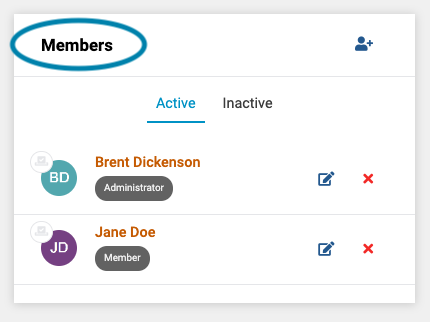
An information 'box', or 'frame' encapsulates a set of information relative to the page. An information frame may possess one or more interactive components. First, the title of the frame indicates what information is presented within the frame.
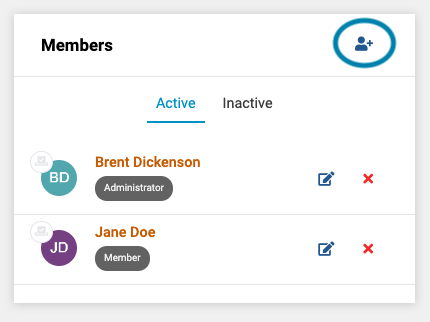
An information frame may also possess an action icon for adding or editing information presented within the frame.
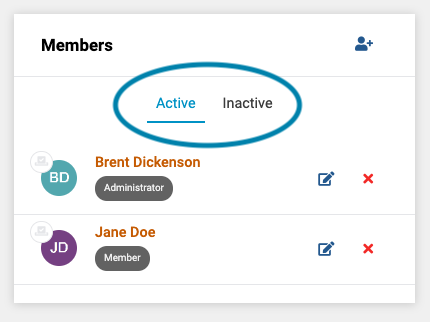
An information frame may also possess information tabs which, when selected, display different information such as future, versus previous group meetings.
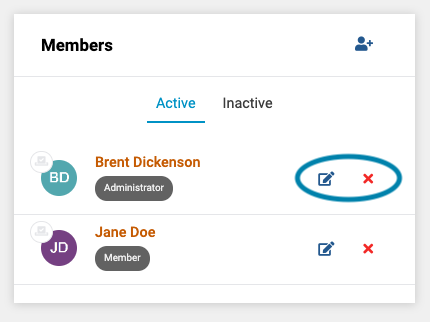
Lastly, an information frame may may possess specific action links that apply actions to a specific row of information, such as editing or deleting certain records.
Application Footer Links:
GovernSpot's application footer contains links to the GovernSpot home page, terms, information about the latest releases features or changes, and a link to provide feedback about the application or recommend a feature.

Comments
0 comments
Article is closed for comments.