Important Notes:
- Topic, Meeting and Group-level files are stored separately. For instructions for accessing a group or meeting-specific file, click here.
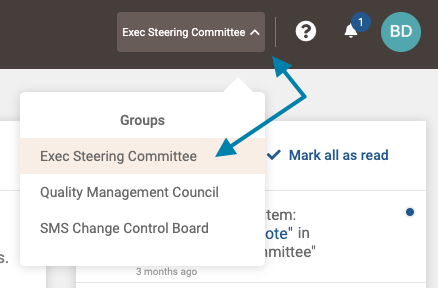
- First, access the group page related to the group file(s) you wish to access by clicking on the Groups list drop down in the upper right areas of the application, and clicking on the desired group.
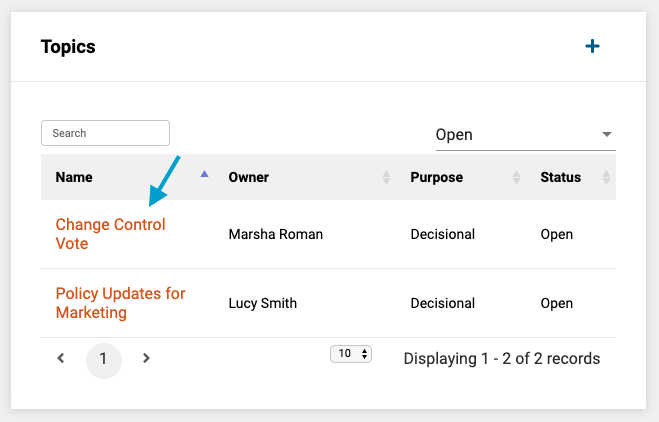
- Next, select a topic from the list of topics associated with the group you wish to access files for.
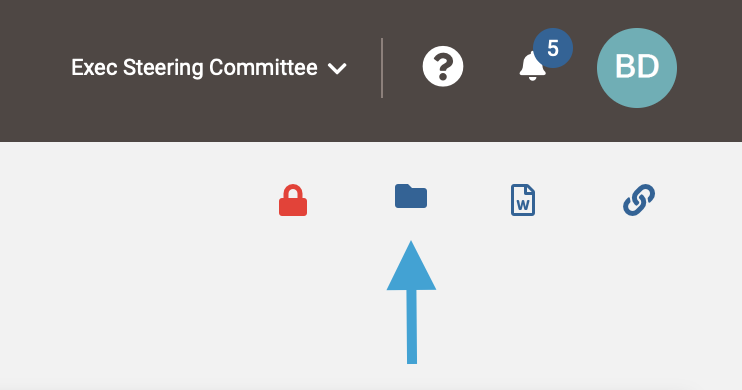
- Next, click the folder icon in the upper right corner of the topic page to access any files associated with a topic.
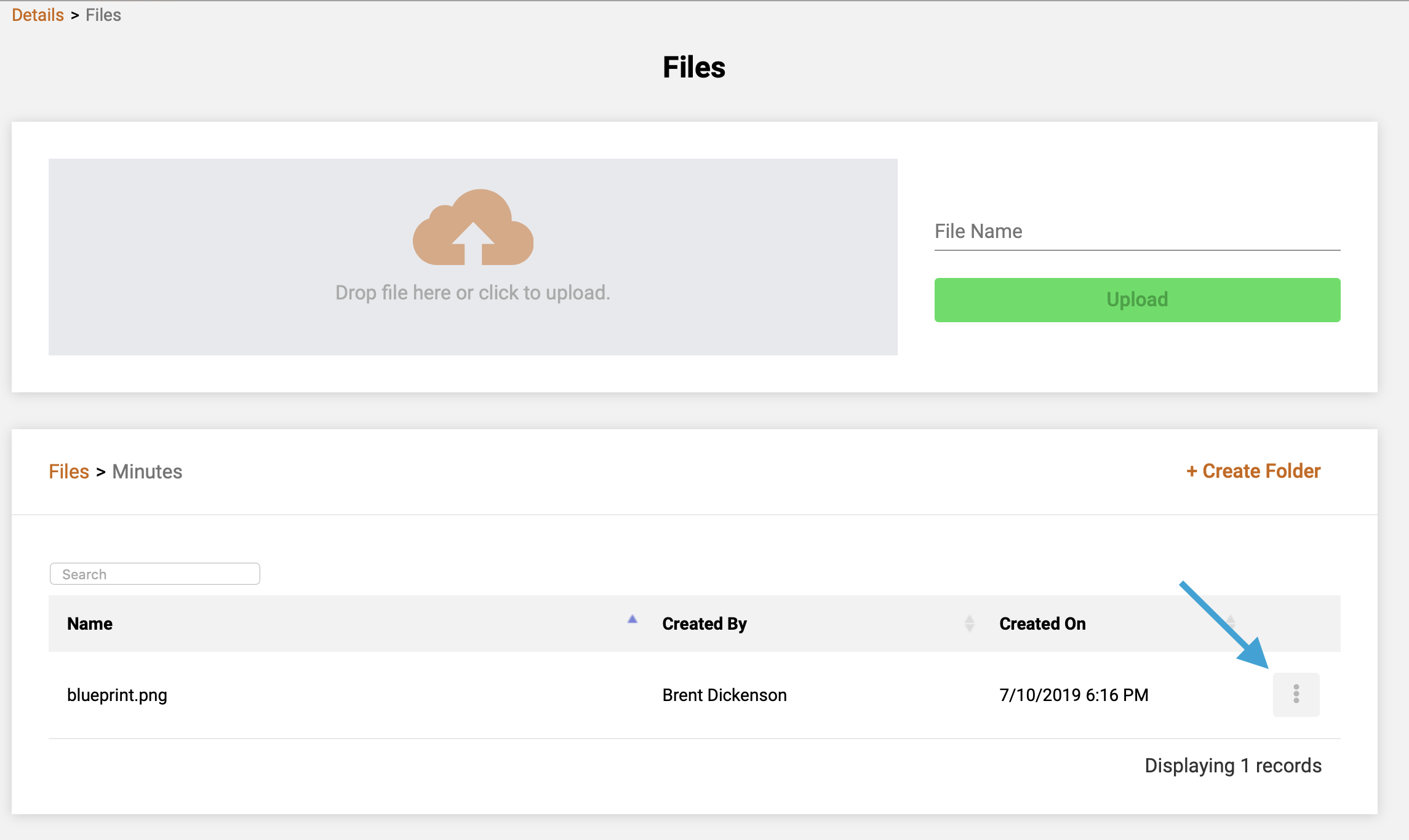
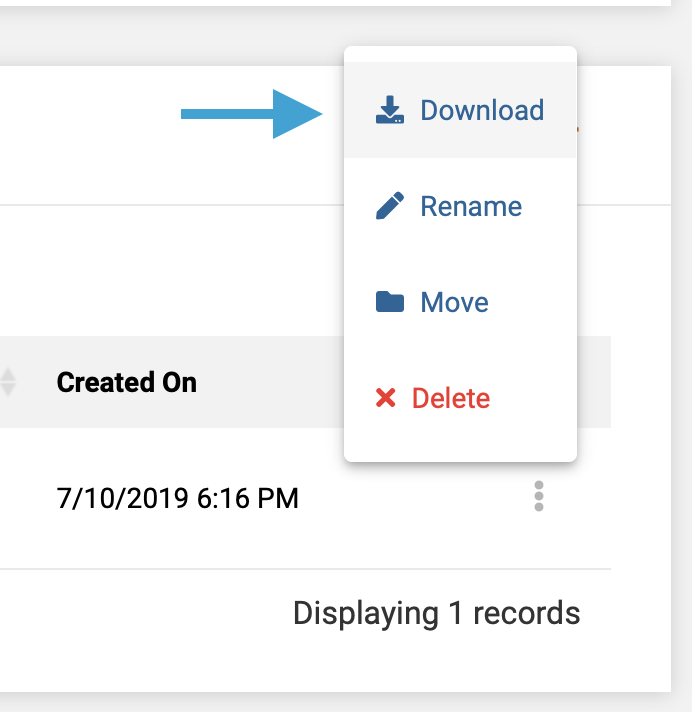
- Next, click the "3-dot" icon to the left of the file name you wish to access/download. Note that to access the file, you may need to first navigate to the folder where it is stored.
- Lastly, on the pop-up menu, click on the download icon to initiate a download of the file.
Comments
0 comments
Article is closed for comments.