Important Notes:
- Administrative settings are only accessible by users with account administrator rights - Group Administrator rights have no affect on account administration rights.
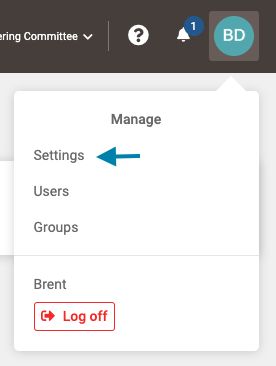
- First, click on the profile icon in the upper right corner and then select the 'Settings' link in the drop down menu.
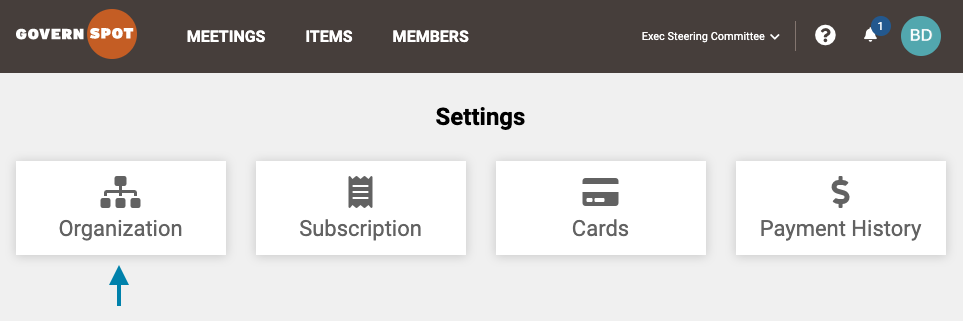
- Next, select the 'Organization' card on the Settings page.
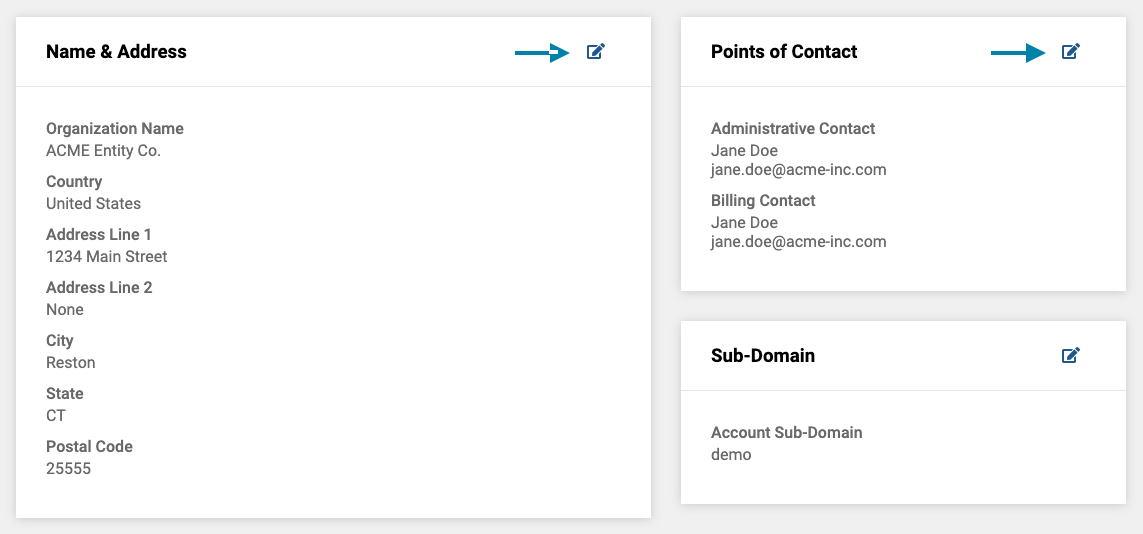
- Lastly, you can change the organization name and address by clicking on the 'Edit' icon in the upper right corner of the Name and Address box. Alternatively, you can change the main points of contact for the account by clicking on the 'Edit' icon in the Points or Contact box. To save any changes, click the 'Save button on the bottom of each edit page respectively.
Comments
0 comments
Article is closed for comments.