Important Notes:
- Only the Group Chair, Group Administrator, or a user with administrative privileges can edit a Group Announcement.
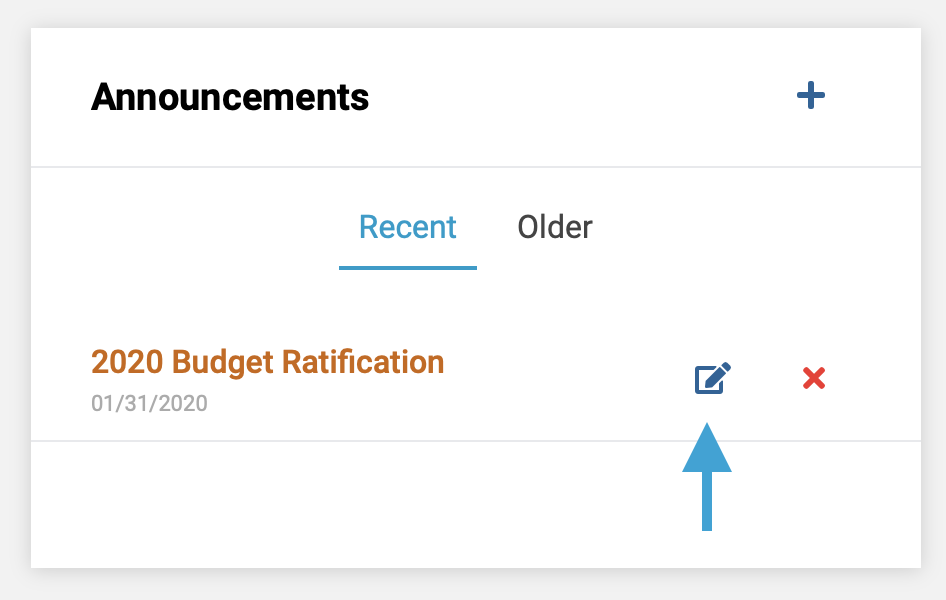
- First, on the group page, click the 'Edit' icon next to the announcement you wish to edit.
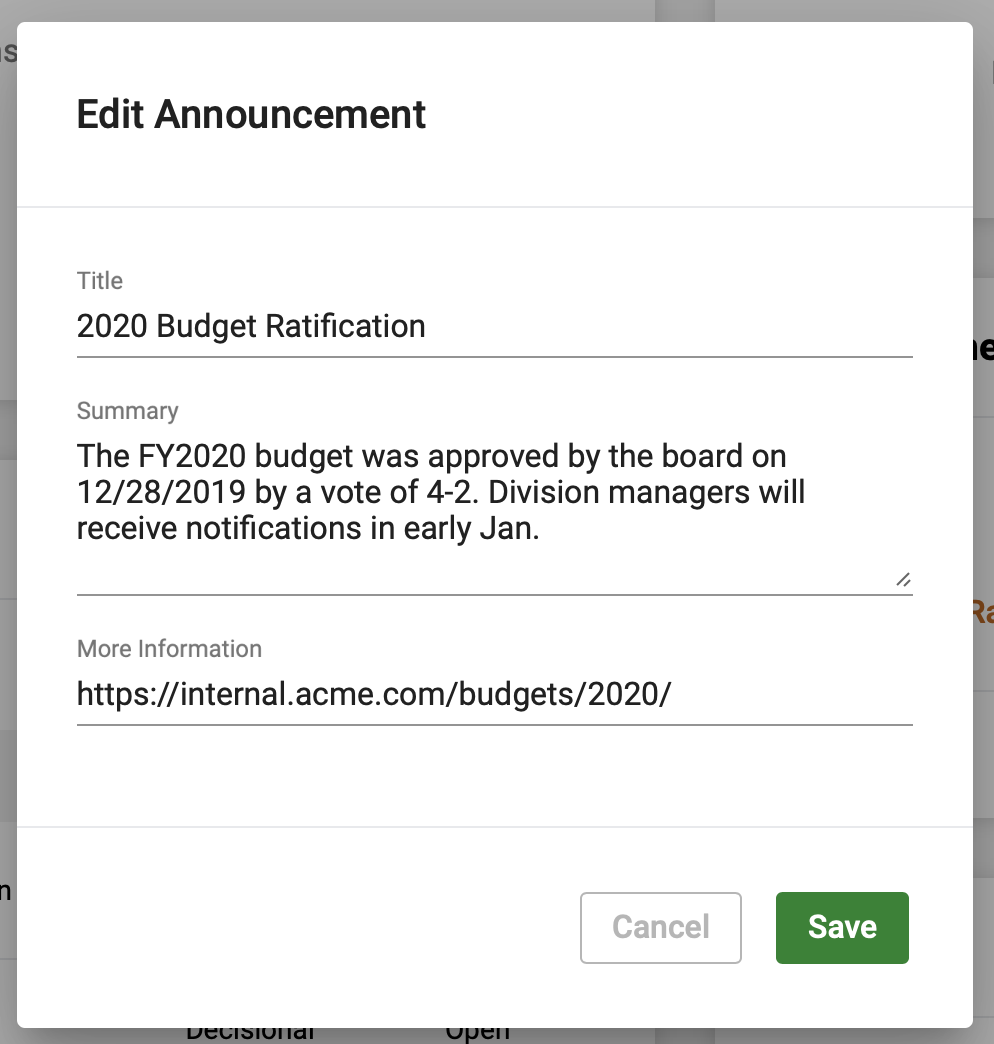
- Lastly. edit the content of the Announcement as desired and click the 'Save' button to save the changes to the Announcement.
Comments
0 comments
Article is closed for comments.