Important Notes:
- Only the Group Chair, Group Administrator, or a user with administrative privileges can create Announcements.
- When a new announcement is created, all members of the group will receive an email notification which includes the content of the announcement.
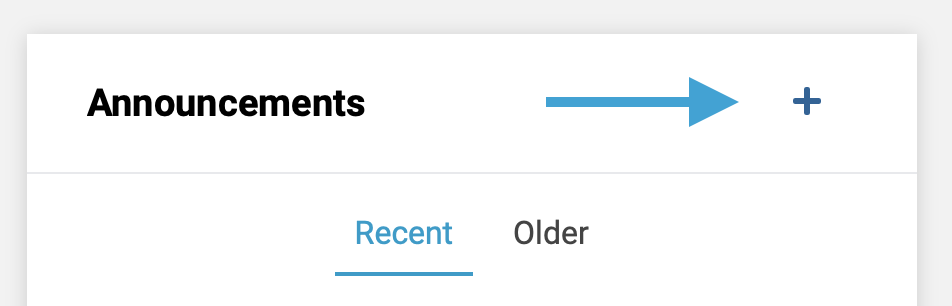
- First, on the group page, click the '+' icon at the top of the announcements box to open the announcement creation form.
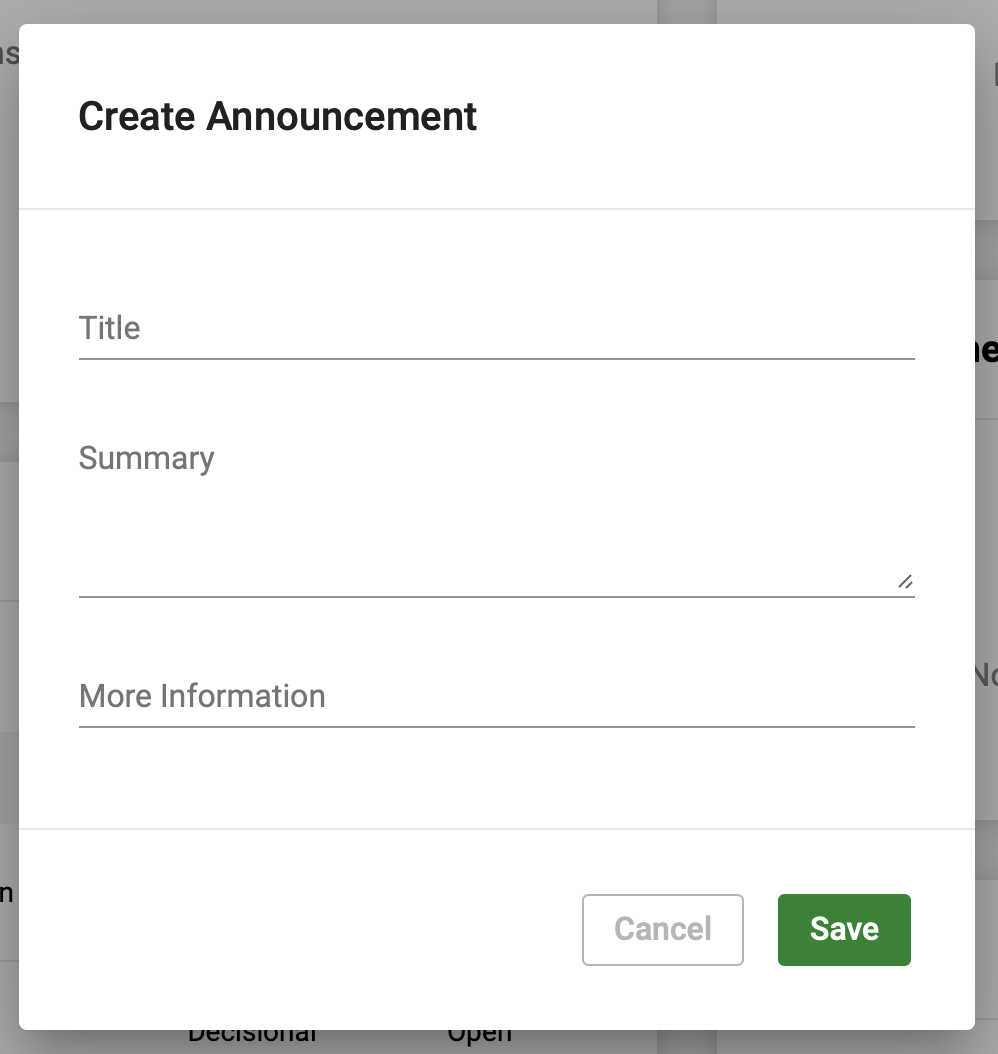
- Lastly, create a short title for the announcement and optionally add details in the 'Summary' and 'More Information' fields. Note, the 'More Information' field is frequently used to highlight a URL or link to another web page/site where additional information may be available.
Comments
0 comments
Article is closed for comments.