Important Notes:
- You can log into your GovernSpot account with a Google or LinkedIn account by linking the account to GovernSpot.
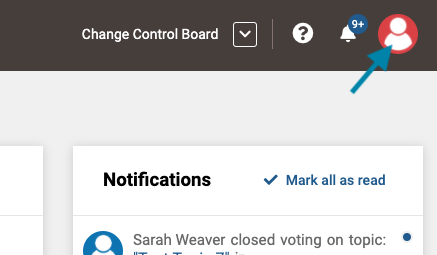
- First, access your user profile by clicking on your user icon in the upper right corner of the application.
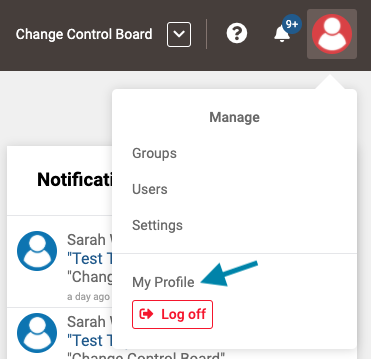
- Next, click on the 'My Profile' link in the drop down menu.
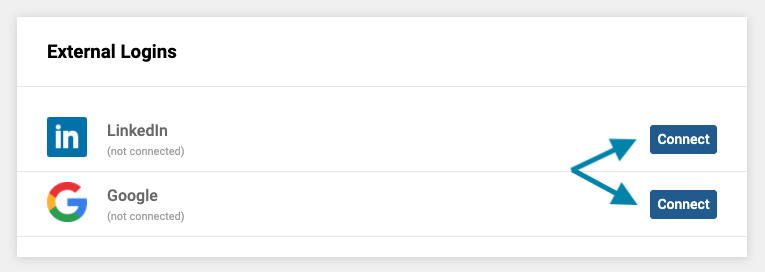
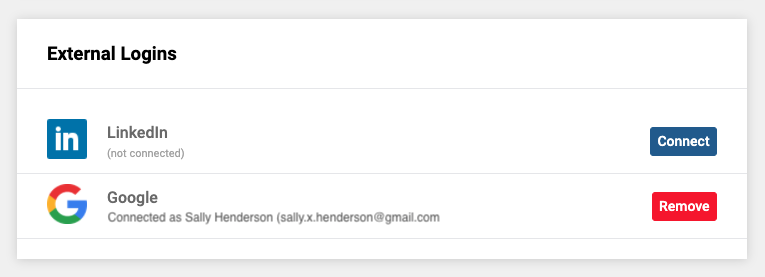
- Next, in the External Logins box, click on the blue 'Connect' button for each account you wish to associate with GovernSpot.
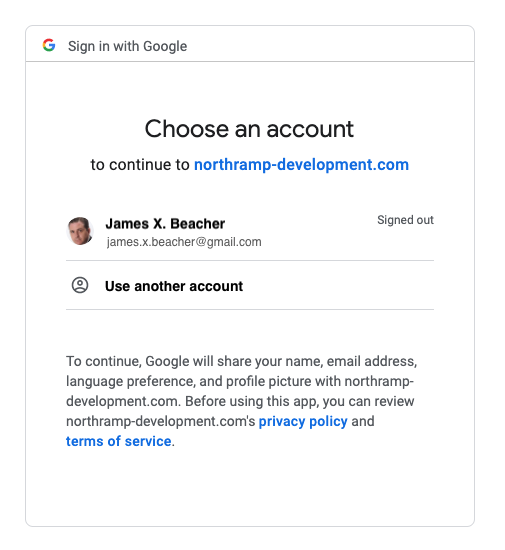
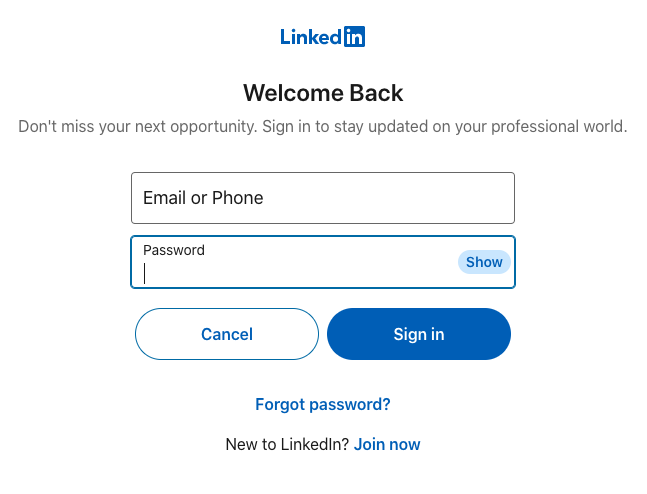
- Next, pick or log into the social account to complete the connection.
NOTE: If you are already logged into the selected account account in the current browser session, the system will automatically connect that account. To connect a different account, log out of the selected external account first before attempting the connection.
- Once complete, you will see the name of the connected account in the External Login box.
Comments
0 comments
Article is closed for comments.