Important Notes:
- A group topic represents a subject for contemplation by a group. A topic may have additional details associated with it including voting outcomes and comments.
- A topic may be categorized as informational or decisional - decisional topics may be voted on.
- Additional information related to topics can be accessed here.
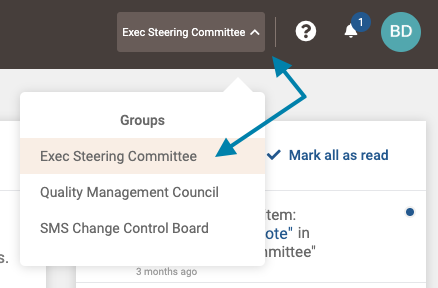
- First, select the group you wish to add a topic to from the group selection menu in the upper right area of the application.
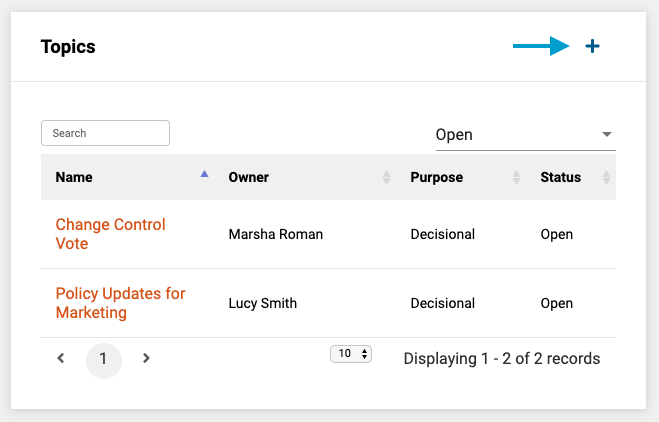
- Next, in the 'Topics' frame on the group page, click the '+' icon.
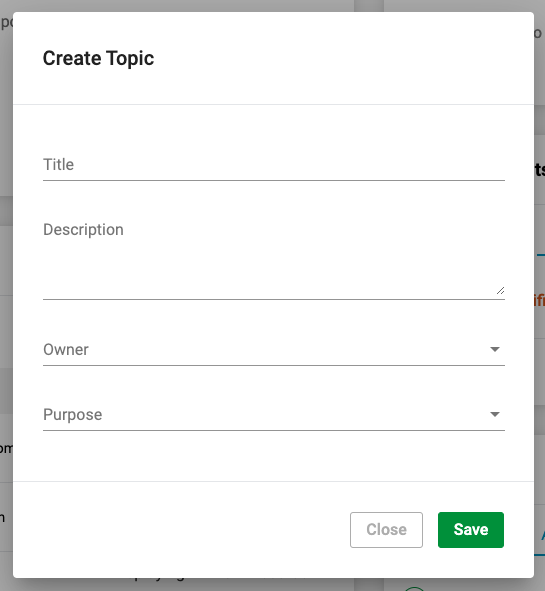
- Lastly, complete the topic form and click the 'Save' button in the lower right corner of the form to save the new topic.
Note: A topic can be categorized as:
- Informational - Will not have voting functionality associated with the topic.
- Decisional - Will possess voting functionality.
Comments
0 comments
Article is closed for comments.