Important Notes:
- A regular user may only change their own email address.
- A user with administrator privileges may change any user's email address.
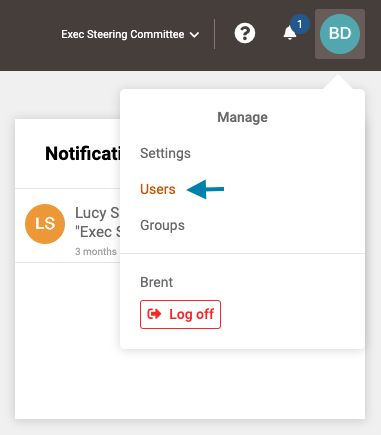
- First, access the list of all users by clicking on your profile icon in the upper right corner of the application and choosing 'Users' from the drop down menu that appears.
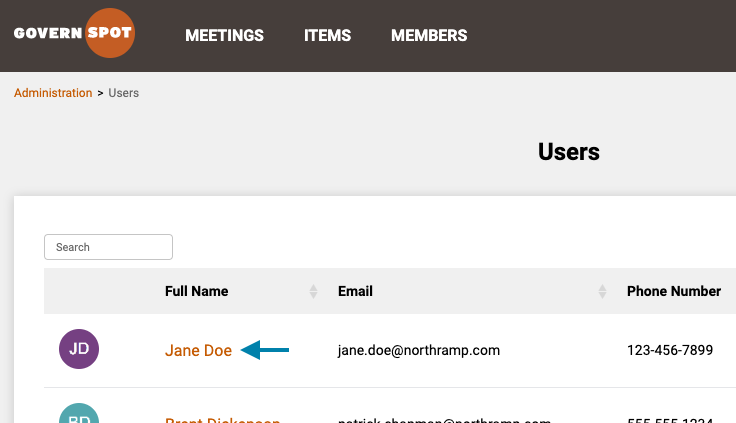
- Next, locate the user's name in the list and click on the name of the user you wish to change the password for.
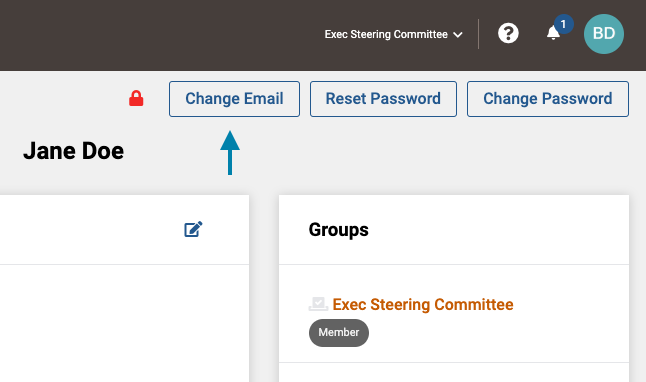
- Next, click the 'Change Email' button in the upper right area of the user profile screen.
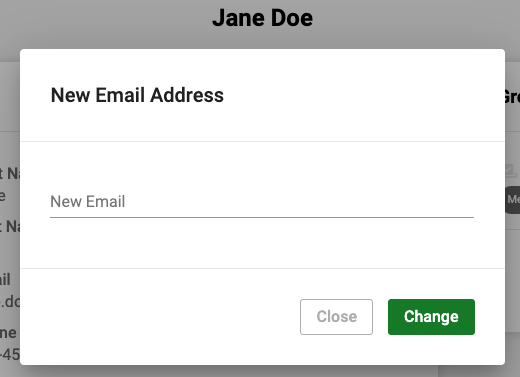
- Lastly, in the window that opens, enter the user's new email address and click the 'Change' button. Following this action the user will receive an email at both the old and new email accounts confirming the change.
Comments
0 comments
Please sign in to leave a comment.