Important Notes:
- Editing an action item will also edit the meeting minute if it was created via a meeting's minutes.
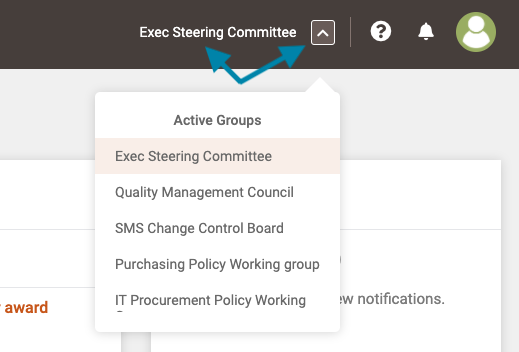
- First, click on the name of the group in the upper right corner of the application to open the group page or, if you wish to access a different group, click on the arrow box and select the desired group name.
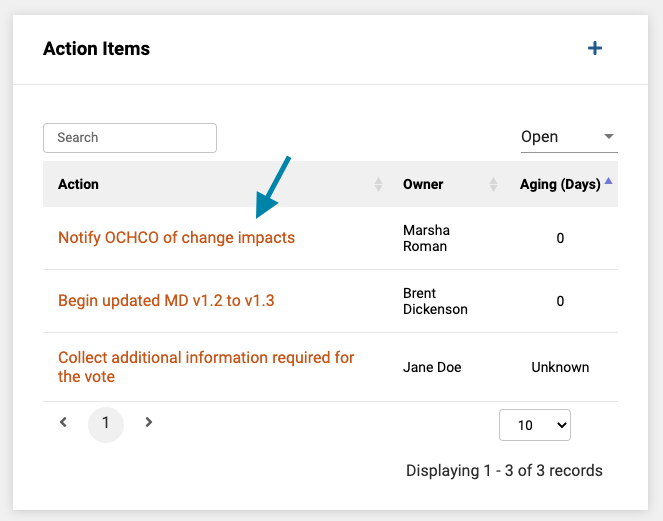
- Next, once the group page opens, click on the name of the action item you wish to edit.
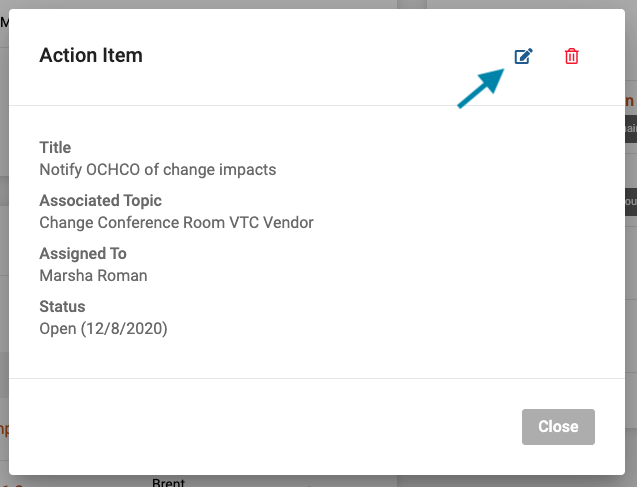
- Next, click on the 'edit' icon in the upper right corner of the action item form.
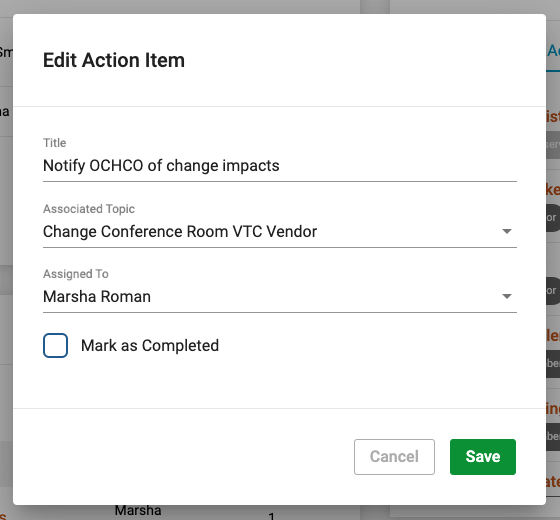
- Lastly, change the information you wish to and click the green 'Save' button in the bottom right corner of the form.
Comments
0 comments
Article is closed for comments.