Important Notes:
- A meeting series, once created, can only be cancelled at the individual meeting level. This is due to the manner in which GovernSpot associates certain information with specific meetings such as attendees, agendas, and minutes.
- A meeting which possesses meeting minutes cannot be cancelled.
- First, access the meetings list for the current group by clicking on the 'Meetings' link in the header of the application.
Note: You can also access a Meeting by clicking on the meeting title in the 'Meetings' frame on the associated group's home page.

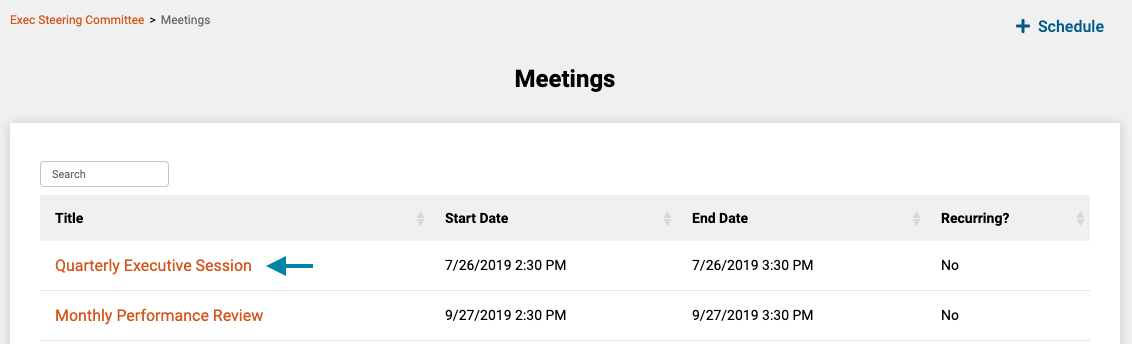
- Next, click on the title of the meeting you wish to Cancel to open the meeting's home page.
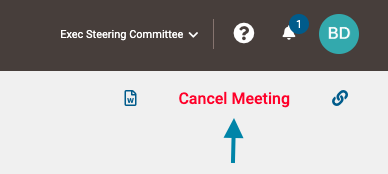
- Next click on the 'Cancel Meeting' link in the upper right area of the page.
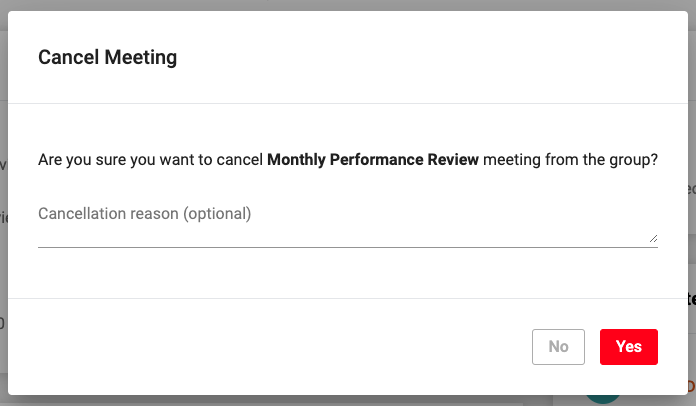
- Lastly, optionally enter a reason for the cancellation in the 'Reason' field on the confirmation dialogue and click the 'Yes' button in the lower right corner of the form to cancel the meeting.
Note: All attendees to the meeting will receive a cancellation notice to their emails.
Comments
0 comments
Article is closed for comments.