Important Notes:
- Meeting attendance is currently tracked manually by a Group Chair or Administrator unless Members have been granted rights to edit meetings.
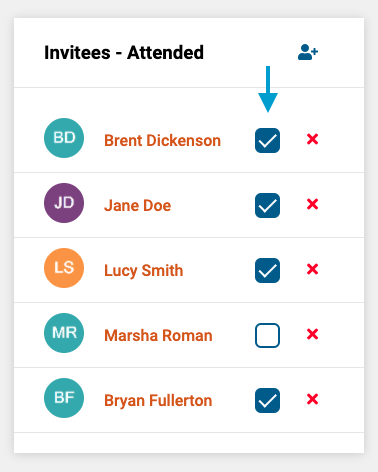
- First, open the meeting you wish to track attendance for. After opening the meeting, click the 'attended' box next to the name of the individual(s) who attended.
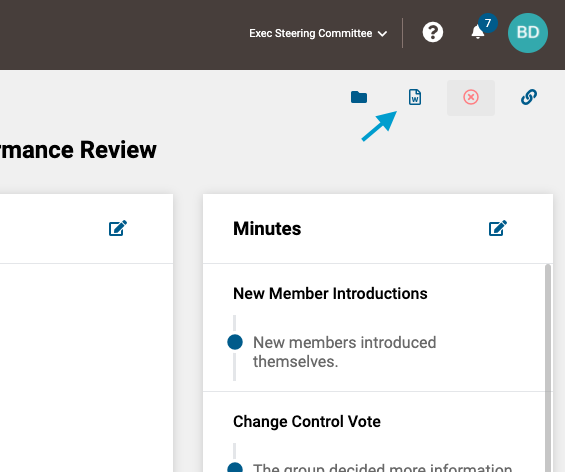
- Attendance will also be reflected in the Meeting Summary, which can be generated by clicking on the report icon in the upper right corner of the screen.
Comments
0 comments
Article is closed for comments.