Important Notes:
- Any member with access to a group may generate a Meeting Summary.
- The Meeting Summary is exported in Microsoft Word* format.
- Group Summaries and Topic Summaries are exported from their respective pages within the application.
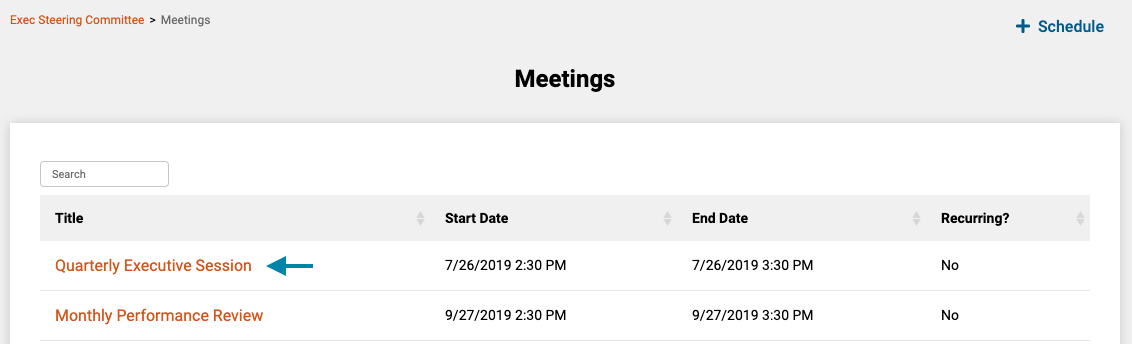
- First, access the meetings list for the current group by clicking on the 'Meetings' link in the header of the application.
Note: You can also access a Meeting by clicking on the meeting title in the 'Meetings' frame on the associated group's home page.

- Next, click on the title of the meeting you wish to generate a meeting summary for, to open the meeting's home page.
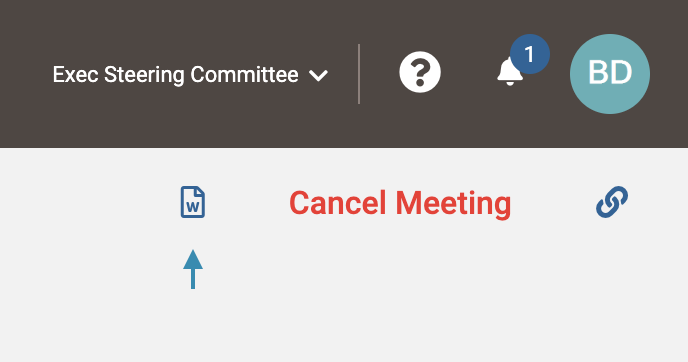
- Next, on the meeting page, click the 'Document' icon in the upper right corner to generate and download a meeting summary.
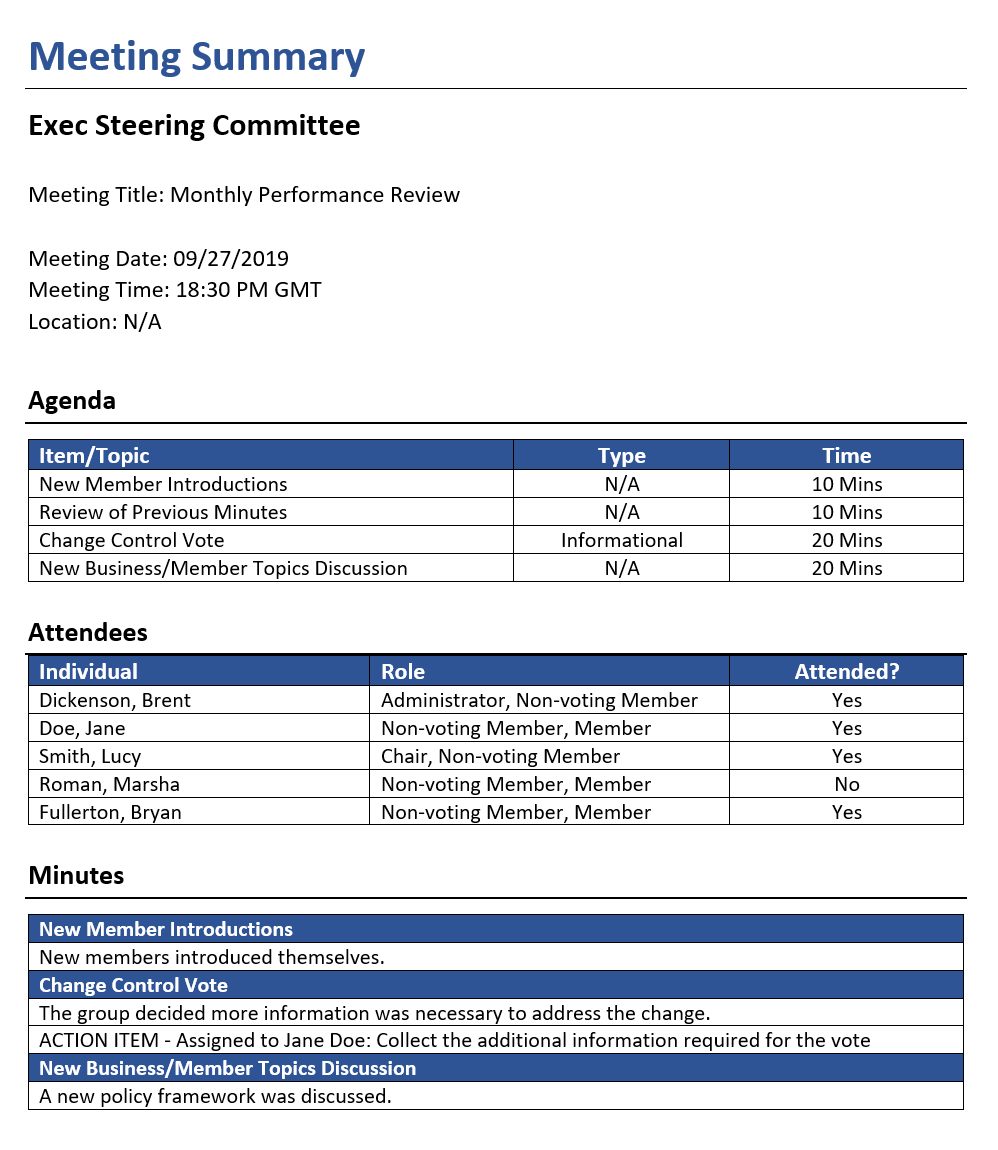
- Lastly, you may save or further edit the document in a compatible document editor.
* Microsoft and Microsoft Word are registered trademarks of the Microsoft Corporation.
Comments
0 comments
Article is closed for comments.